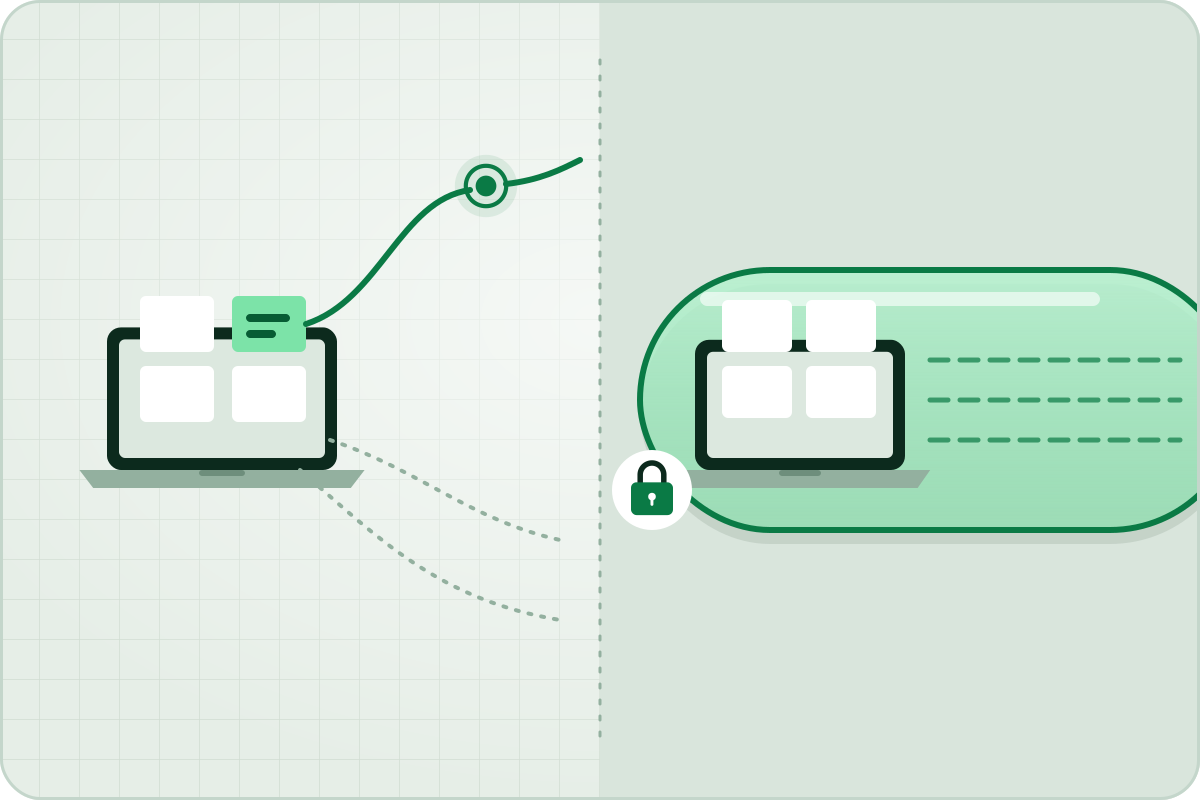
Side by side
- Scope: a VPN covers the whole device; a proxy covers only the tools you set it in.
- IP: a VPN gives you a server IP shared with other users; a residential proxy gives you home IPs, rotating or sticky.
- Encryption: a VPN encrypts the tunnel; a proxy relies on the site's HTTPS.
- Billing: VPNs sell monthly plans; here you pay per GB, from $0.99.
- Traffic: a VPN carries everything, UDP included; our lines carry HTTP(S) and SOCKS5.
Residential proxy and VPN together
You can run both. The VPN protects your device's own connection, and your scraper or browser profile uses the residential proxy inside it. The site still sees the proxy's home IP; the VPN only changes how your traffic reaches the proxy.
Residential proxy, OpenVPN or WireGuard?
OpenVPN and WireGuard are VPN protocols: they tunnel a whole device to one server. Consumer services such as NordVPN, Mullvad, Proton VPN or PIA mostly run them on servers in datacenters, so their exit IPs are mostly datacenter IPs. A few residential proxy VPNs exist, selling home IPs through a VPN app, but they bill like VPNs and rarely rotate per request.
Residential proxy, Netflix and TV apps
For a residential proxy Netflix setup or a residential proxy TV app, the short answer is: do not. Video eats gigabytes, per-GB pricing makes that expensive, and streaming services check far more than the IP. A residential proxy LG TV or other smart TV setup also needs proxy support most TVs do not have.
Residential proxy YouTube Premium tricks do not work either: YouTube prices follow your account's country and payment method, not just your IP. A residential proxy YouTube check is useful for something else: seeing which ads and recommendations a viewer in another country gets.
Gaming and UDP
Residential proxy gaming setups rarely help. Games use UDP, a UDP proxy, residential or not, adds a hop and latency, and many games ban proxy traffic outright. Asked about a residential proxy for gaming, the honest answer is a gaming VPN, or nothing at all.